

Quick answer
Track business KPIs by defining 5–10 critical metrics, connecting Tally or ERP data to a zero-code BI tool like FireAI, setting targets for each KPI, and reviewing dashboards daily. FireAI's natural language queries let you ask "What's my gross margin this month?" and get instant answers. Focus on fewer KPIs — tracking too many dilutes performance.
Tracking business KPIs is the difference between running your business and being run by your business. When you know your key numbers, you make decisions with confidence. When you don't, you react to crises instead of preventing them.
Manual KPI Tracking vs Automated Dashboards
| Factor | Manual (Excel/WhatsApp) | Automated (FireAI Dashboard) |
|---|---|---|
| Update frequency | Weekly or monthly | Real-time from Tally/ERP |
| Time to compile | 3–6 hours/week | Zero — auto-updates |
| Data accuracy | Error-prone (8–15% error rate) | Live source data, near-zero errors |
| Accessibility | One person's laptop | Browser/mobile, shared with team |
| Annual cost for ₹10Cr business | ~₹3 lakh (analyst time) | ~₹36,000 (tool cost) |
| Risk | Tracking stops if person leaves | Always running, no dependency |
For a ₹5–25Cr Indian business, manual KPI tracking in Excel typically wastes ₹2–4 lakh/year and delivers insights 5–10 days late.
Step 1: Choose the Right KPIs
Most businesses track too many metrics. The goal is a portfolio of 5–10 KPIs that tell the complete story of business health.
For every Indian business (minimum set):
- Revenue vs target (monthly, YTD)
- Gross margin percentage
- Cash position or cash flow
- Outstanding receivables (debtor days)
- One leading indicator for growth (pipeline, enquiries, website traffic)
Industry-specific additions:
For retail/FMCG: Sell-through rate, stockout frequency, average basket value
For manufacturing: OEE (Overall Equipment Effectiveness), defect rate, on-time delivery
For services/SaaS: NPS, churn rate, revenue per customer, utilisation
For distribution: Fill rate, inventory turns, debtor days
Indian business example: A textile manufacturer doing ₹15Cr revenue tracks: Monthly Revenue (target ₹1.25Cr), Gross Margin (target 38%), Receivables Aging (threshold <45 days), On-Time Delivery (target 92%), and Production Utilisation (target 85%).
Step 2: Identify Your Data Sources
Map each KPI to where the data lives:
| KPI | Likely Data Source |
|---|---|
| Revenue | Tally, ERP, POS system |
| Gross margin | Tally (sales + purchase data) |
| Customer count | CRM (Salesforce, Zoho CRM) |
| Inventory | ERP, WMS, Tally |
| Operational metrics | Production systems, logistics tracking |
For most Indian SMBs, 80% of KPI data lives in Tally — making a native Tally connector the single most important feature in a BI tool.
Step 3: Connect Data to a Dashboard
Manual tracking in Excel creates delay, errors, and the risk that tracking stops when the person who maintains the spreadsheet goes on leave.
The right approach is connecting your data sources directly to a BI tool:
- Connect Tally using a native connector (no ODBC, no export)
- Add other sources — Google Sheets, CRM, or Excel uploads
- Map the fields to your KPI definitions
- Set up automated refresh (daily is minimum; hourly for operational metrics)
FireAI connects directly to Tally and supports 700+ data sources — covering the most common data systems for Indian businesses.
Step 4: Set Meaningful Targets
A KPI without a target is just a number. A KPI with a target is a decision tool.
Types of targets (with Indian business examples):
- Absolute target: "Revenue ≥ ₹2Cr this month"
- YoY growth target: "Revenue ≥ 20% vs same month last year"
- Threshold target: "Gross margin must not fall below 32%"
- Leading indicator target: "New customer enquiries ≥ 50/week"
- Cash safety target: "Cash balance must stay above ₹25 lakh"
Display targets on dashboards so every user sees current performance vs target at a glance.
Step 5: Build a KPI Review Rhythm
Data without review is wasted. Build these review habits:
Daily (5 minutes): Check dashboard for overnight alerts or significant deviations. Is anything in red? Does it need immediate action?
Weekly team meeting (15 minutes): Review the past week's performance against targets. Identify one or two things to focus on improving next week.
Monthly leadership review (60 minutes): Deeper analysis of trends, variance explanations, and adjustments to targets or strategy.
See how to create a KPI dashboard for the technical steps to set up your dashboard.
How to Do This with FireAI
Here's the exact workflow to start tracking KPIs with FireAI:
- Connect Tally — Install the FireAI connector on your Tally machine. Sales, purchase, inventory, receivables, and ledger data sync automatically.
- Choose pre-built KPI templates — Select from Sales KPIs, Financial KPIs, or Operations KPIs. Templates come with the most common Indian business metrics pre-configured.
- Ask questions in plain English — Type "What's my gross margin this quarter?" or "Show top 10 customers by outstanding amount" and get instant answers using FireAI's natural language query engine.
- Set targets — Enter your monthly/quarterly targets. FireAI colour-codes each KPI (green/yellow/red) based on actual vs target performance.
- Configure alerts — Set up WhatsApp or email alerts for threshold breaches: "Alert me if cash balance drops below ₹10 lakh" or "Notify me if receivables exceed ₹50 lakh."
- Share with your team — Send a live dashboard link to department heads. Schedule daily email summaries for your leadership team.
Total setup time: 2–4 hours. Zero SQL, zero coding, no IT department required.
Ready to act on your data?
See how teams use FireAI to ask in plain language and get analytics they can trust.
Explore FireAI workflows
Go from this topic into product features and solution paths that match what you read here.
Topic hub
Dashboard And Reporting
Practical content on KPI dashboards, executive reporting, trend analysis, charts, and reporting automation.
Explore hubFrequently asked questions
How many KPIs should a small Indian business track?
A small Indian business (₹1–25Cr revenue) should track 5–8 KPIs at the company level: revenue vs target, gross margin, cash balance, outstanding receivables, and 1–2 industry-specific metrics. Tracking more than 10 metrics dilutes focus and reduces impact. The "fewer, bigger" principle applies — choose metrics that directly indicate business health.
What is the best way to track KPIs from Tally without Excel?
Connect Tally directly to a BI tool like FireAI using a native connector — no ODBC, no CSV export, no manual work. FireAI reads your Tally sales, purchase, inventory, and ledger data automatically and displays live KPIs in a dashboard. You can ask questions in plain English like "What is my revenue this month?" instead of running Tally reports manually.
How do I track KPIs when data is in Tally, CRM, and spreadsheets?
Use a BI tool that connects to multiple sources simultaneously. FireAI supports 700+ data sources including Tally, Google Sheets, Excel, MySQL, Salesforce, and Zoho CRM. It consolidates financial data from Tally, sales pipeline from CRM, and operational data from spreadsheets into a single unified KPI dashboard that updates automatically.
How often should I review business KPIs for my company?
Build a three-tier review rhythm: daily 5-minute dashboard check for alerts and red flags, weekly 15-minute team meeting to review performance against targets, and monthly 60-minute leadership review for deeper trend analysis and strategy adjustments. With an automated dashboard from FireAI, the daily check takes seconds — just open the dashboard on your phone or laptop.
What is the cost of setting up KPI tracking for an Indian SMB?
FireAI costs approximately ₹3,000–5,000/month with no per-user charges — far less than the ₹15,000–25,000/month in analyst time spent maintaining Excel-based KPI reports. For a ₹5–10Cr business, automated KPI tracking pays for itself within the first month through time savings and faster decision-making.
Related in this topic
KPIs Explained: 50+ Examples by Department [2026 Guide]
KPIs define how you measure progress toward goals. Learn the definition, examples by department, and how to track KPIs with targets and dashboards that drive action.
How to Create a KPI Dashboard (Step-by-Step Guide)
Learn how to create a KPI dashboard from scratch — without SQL or coding. Follow this step-by-step guide to choosing the right KPIs, connecting data, designing layout, and sharing your dashboard with your team.
What is a KPI Dashboard? Definition and Examples
A KPI dashboard is a visual display of key performance indicators that gives business leaders an at-a-glance view of performance against goals. Learn what KPI dashboards include, how to build one, and see examples across sales, finance, and operations.
What is Analytics ROI? How to Calculate Returns
Analytics ROI is the financial return generated by analytics tools and initiatives relative to their cost. Learn how to calculate analytics ROI, what factors to include, and what typical ROI looks like for business intelligence implementations.
From the blog

Top 7 Marketing Metrics to Track in 2026 and How AI Simplifies Them
In 2026, track these 7 critical marketing metrics — CLV, CAC, ROAS, Conversion Rate, Engagement, Brand Awareness, and ROI — to prove real business impact instead of vanity stats.

What is a KPI dashboard and why does every Indian business need one?
Still piecing together your business numbers from WhatsApp messages and old Excel files? Here is why a KPI dashboard changes everything for Indian businesses.
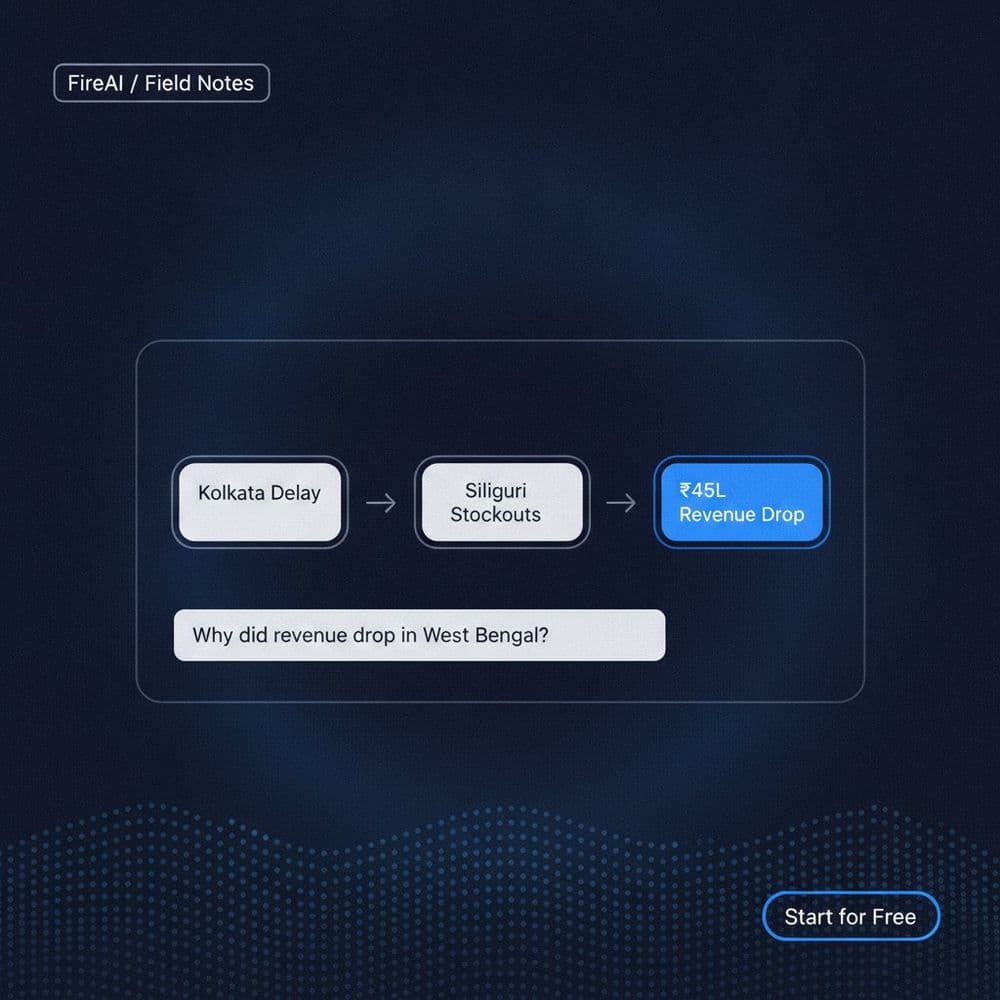
Using a Conversational Chat Interface to Analyse Business KPIs
Learn how a conversational chat interface and causal chain analysis help you run investigative analysis on business KPIs without a data team.