

Quick answer
Natural language BI lets users ask data questions in plain English — like "Show me revenue by region for Q4" — and get instant charts, tables, and summaries without writing SQL or building dashboards. AI translates human language into database queries, making business intelligence accessible to every employee regardless of technical skill.
Most BI tools still require someone who knows SQL, understands the data model, or can navigate a complex dashboard builder. Natural language BI removes that barrier. You type a question in plain English, known as a natural language query, and the system returns a chart, table, or summary — generated from your actual data, in seconds.
How Natural Language BI Works
The pipeline behind a natural language BI query involves several stages, each handled automatically:
1. Intent Parsing
The system analyzes your question to determine what you are asking for. "Show me revenue by region for Q4" is parsed into: metric = revenue, dimension = region, time filter = Q4 of the current fiscal year, visualization = chart.
2. Schema Mapping
Your plain English terms are mapped to actual database objects. "Revenue" might map to SUM(orders.total_amount), "region" to customers.region, and "Q4" to a date range based on your fiscal calendar. This mapping uses a combination of schema metadata, business glossary definitions, and AI semantic understanding.
3. Query Generation
The system generates a SQL query (or equivalent data retrieval command) grounded in your actual schema. This is where AI — specifically retrieval-augmented generation — ensures the query references real tables and columns rather than fabricated ones.
4. Execution and Visualization
The query runs against your database, and results are automatically formatted into the most appropriate visualization. A "by region" breakdown becomes a bar chart. A "trend over time" becomes a line chart. A single-number answer ("What was total revenue?") returns a KPI card.
5. Natural Language Summary
Beyond the chart, the system generates a plain English summary: "Q4 revenue was ₹12.3 crore, led by the North region at ₹4.1 crore (33%). South showed the highest growth at 22% quarter-over-quarter."
Natural Language BI vs. Traditional BI
| Capability | Traditional BI | Natural Language BI |
|---|---|---|
| Time to answer | Minutes to hours (find dashboard, apply filters, interpret) | Seconds (type question, get answer) |
| Skill required | Dashboard navigation, filter logic, sometimes SQL | Plain English |
| New questions | Requires dashboard modification or new report | Just ask |
| Exploration | Limited to pre-built dashboard scope | Unlimited — any question the data can answer |
| Onboarding | Days to weeks of training | Minutes |
| Maintenance | Dashboard updates when schema changes | AI adapts automatically |
Traditional BI excels at standardized reporting — the same dashboard viewed daily by the same team. Natural language BI excels at ad-hoc exploration — the unexpected question that no one anticipated when building the dashboard.
What Good Natural Language BI Looks Like
Not all natural language BI implementations are equal. Here is what separates effective systems from gimmicky ones:
Handles Ambiguity
"Sales" could mean order count, revenue, or units. A good system either disambiguates using business context (your company defines "sales" as revenue) or asks a clarifying question. A bad system guesses silently and returns wrong numbers.
Supports Follow-Up Questions
Real analysis is conversational. After "Show me revenue by region," users want to drill down: "Break that down by product category," "Only for the top 3 regions," "Compare with last year." Natural language BI must maintain conversation context across turns.
Shows Its Work
Trust requires transparency. Effective systems show the generated SQL (or a simplified version), explain how terms were mapped, and let users verify the logic. "Revenue = SUM(orders.total_amount) WHERE order_date BETWEEN..." builds confidence. Black-box answers erode trust.
Handles Complex Queries
Simple questions are table stakes. The real test is multi-step analytical questions:
- "Which product category has the highest margin but declining volume?"
- "Show me customers who ordered every month last year but not this January"
- "What is the week-over-week growth rate of new customer acquisition by channel?"
These require joins, subqueries, window functions, and conditional logic — all generated from a single English sentence.
Auto-Selects Visualization
Bar chart, line chart, table, KPI card, scatter plot — the system should choose the right format based on the data shape and question intent. "Trend" implies a line chart. "Breakdown" implies a bar chart. "List" implies a table. Users can override, but the default should be intelligent.
Common Use Cases
Executive Dashboards Without the Dashboard
CEOs and founders type questions during board prep: "What was our burn rate last month?", "Show ARR growth by quarter," "How many active enterprise customers do we have?" No waiting for the BI team to build a report.
Sales Team Ad-Hoc Analysis
Sales managers explore pipeline data in real time: "Show me deals closing this month over ₹10 lakhs," "Which rep has the highest win rate this quarter?", "Compare pipeline value this quarter vs last." Previously, this required a Salesforce report builder expert.
Operations Monitoring
Operations teams ask about production and fulfillment: "What is our order fulfillment rate this week?", "Show defect rate by production line," "Which supplier has the longest average lead time?" These questions arise spontaneously and cannot always be anticipated in pre-built dashboards.
Finance Close and Reconciliation
Finance teams query during month-end close: "Show outstanding receivables over 90 days by customer," "What is the variance between budgeted and actual expenses for marketing?", "List all journal entries over ₹5 lakhs posted this month." Speed matters when the close deadline is approaching.
Challenges and Limitations
Domain-Specific Language
Every business has jargon. "Beat coverage" in distribution, "OEE" in manufacturing, "ACV" in SaaS — the natural language BI system must be taught these terms or infer them from schema metadata. Without domain calibration, the system misinterprets industry-specific questions.
Data Quality Dependency
Natural language BI surfaces whatever is in the database. If the data is incomplete, duplicated, or inconsistently formatted, the AI produces accurate queries against inaccurate data. The system answers the question correctly but the underlying data may be wrong.
Multi-Database Queries
Questions that span multiple data sources ("Combine our CRM pipeline with accounting revenue") require cross-database joins that most natural language BI systems do not handle natively. Data integration must happen before the NLQ layer.
Precision vs. Recall Trade-Off
Should the system attempt every question (high recall, some wrong answers) or decline uncertain queries (high precision, some unanswered questions)? The best systems let users configure this balance and always indicate confidence level.
Getting Started with Natural Language BI
FireAI provides natural language BI for Indian businesses. Connect your Tally, ERP, database, or spreadsheet, and start asking questions in English or Hindi. The system understands Indian business context — GST calculations, Tally ledger structures, fiscal year conventions — out of the box.
No dashboard building. No SQL. No waiting for reports. Just ask.
How FireAI Implements Natural Language BI
FireAI's NLQ engine is designed for Indian business context from the ground up:
Indian Business Context Built-In
FireAI understands Tally ledger structures, GST calculations (CGST/SGST/IGST), Indian fiscal year (April–March), and lakh/crore number formatting. When you ask "What was my net profit last FY?", the system correctly interprets the April–March fiscal year and pulls from the right Tally ledger groups.
Hindi and Regional Language Support
Business owners and team members across India can ask questions in Hindi — "पिछले 3 महीनों की बिक्री कितनी रही?" — and get answers with charts in seconds. This removes the English-language barrier that limits analytics adoption in pan-India teams.
700+ Data Source Connectors
Connect Tally Prime, Zoho CRM, Google Sheets, Shopify, MySQL, PostgreSQL, and 700+ other sources. FireAI joins data across sources automatically — ask "Show me revenue by sales rep from CRM and profit margin from Tally" and get a unified answer.
Real-World Examples from Indian Businesses
- Textile Exporter (Surat): The owner asks "Which international buyer has the highest outstanding receivables over 90 days?" and gets an instant answer from Tally data — no accountant involvement needed. Previously, this question required a manual Tally export and Excel sorting exercise.
- Multi-Branch Coaching Institute (Jaipur): The director types "Compare fee collection this month across all 5 branches" and sees a bar chart with branch-wise collection, including pending amounts. This replaced a weekly Excel report compiled by the admin team.
- Restaurant Chain (Bengaluru): With ₹12 crore annual revenue across 8 outlets, the operations head asks "Which outlet has the highest food cost percentage this week?" to catch margin issues before they compound.
Step-by-Step: Your First Natural Language Query
- Connect your data source — Tally, database, or spreadsheet in under 5 minutes
- Type a question — "Show me sales by product for the last 3 months"
- Review the chart and SQL — FireAI shows the generated query for transparency
- Drill deeper — Ask follow-up questions: "Break that down by region" or "Only show products above ₹10 lakhs"
- Save as a dashboard — Pin useful queries as reusable dashboard widgets
See no-code analytics for how NLQ fits into the broader no-code analytics landscape, or explore self-service BI for empowering non-technical users.
Ready to act on your data?
See how teams use FireAI to ask in plain language and get analytics they can trust.
Explore FireAI workflows
Go from this topic into product features and solution paths that match what you read here.
Topic hub
AI Analytics
Guides on natural language querying, AI-powered analytics, forecasting, anomaly detection, and automated insights.
Explore hubFrequently asked questions
What is natural language BI?
Natural language BI is a business intelligence approach where users ask data questions in plain English (or other languages) and receive instant charts, tables, and summaries. The system uses AI to translate the question into a database query, execute it, and present results — eliminating the need for SQL knowledge or dashboard-building skills.
Is natural language BI accurate enough for business decisions?
Modern natural language BI systems using retrieval-augmented generation achieve high accuracy by grounding queries in your actual database schema and business definitions. The best systems show the generated query logic so users can verify accuracy. For critical decisions, this transparency lets users confirm the data before acting on it.
Can natural language BI replace traditional dashboards?
Natural language BI complements rather than replaces dashboards. Dashboards are ideal for standardized daily monitoring — metrics you check repeatedly in a fixed format. Natural language BI excels at ad-hoc questions, exploration, and one-off analysis. Most organizations benefit from both: dashboards for routine monitoring and natural language for everything else.
Does natural language BI work with Tally data in Hindi?
Yes. FireAI supports natural language queries in Hindi and English against Tally data. Business owners can ask "पिछले महीने का मुनाफा कितना था?" and get instant answers with charts. The system understands Tally ledger structures, GST categories, and Indian fiscal year conventions natively.
How does natural language BI handle complex business questions with multiple filters?
Modern natural language BI systems handle multi-filter queries like "Show me revenue from enterprise customers in the North region for Q3 excluding cancelled orders." The AI generates SQL with multiple WHERE clauses, JOINs, and GROUP BY statements. Follow-up questions maintain context, so you can drill deeper without restating filters each time.
Related in this topic
What is No-Code Analytics? Definition, Tools, and Benefits
No-code analytics lets business users analyse data, build dashboards, and generate insights without writing SQL or code. Learn what no-code analytics tools are, how they work, and which platforms offer no-code BI for Indian businesses.
What is Self-Service BI? Benefits and Tools
Self-service BI empowers business users to analyze data independently without IT assistance. Learn how self-service BI works, which tools enable it, and how to implement it to democratize data access and accelerate decision-making.
What is AI-Powered Business Intelligence?
AI-powered business intelligence integrates AI and machine learning with traditional BI to automate insights, enable natural language queries, and provide predictive analytics. Learn how AI BI works, which features matter, and how businesses use it.
AI Dashboard: What It Is & How It Works (2026)
An AI dashboard auto-generates charts, flags anomalies, and answers questions in plain English — no SQL or manual setup. See how AI dashboards differ from traditional BI and which tools offer them.
From the blog
Using a Conversational Chat Interface to Analyse Business KPIs
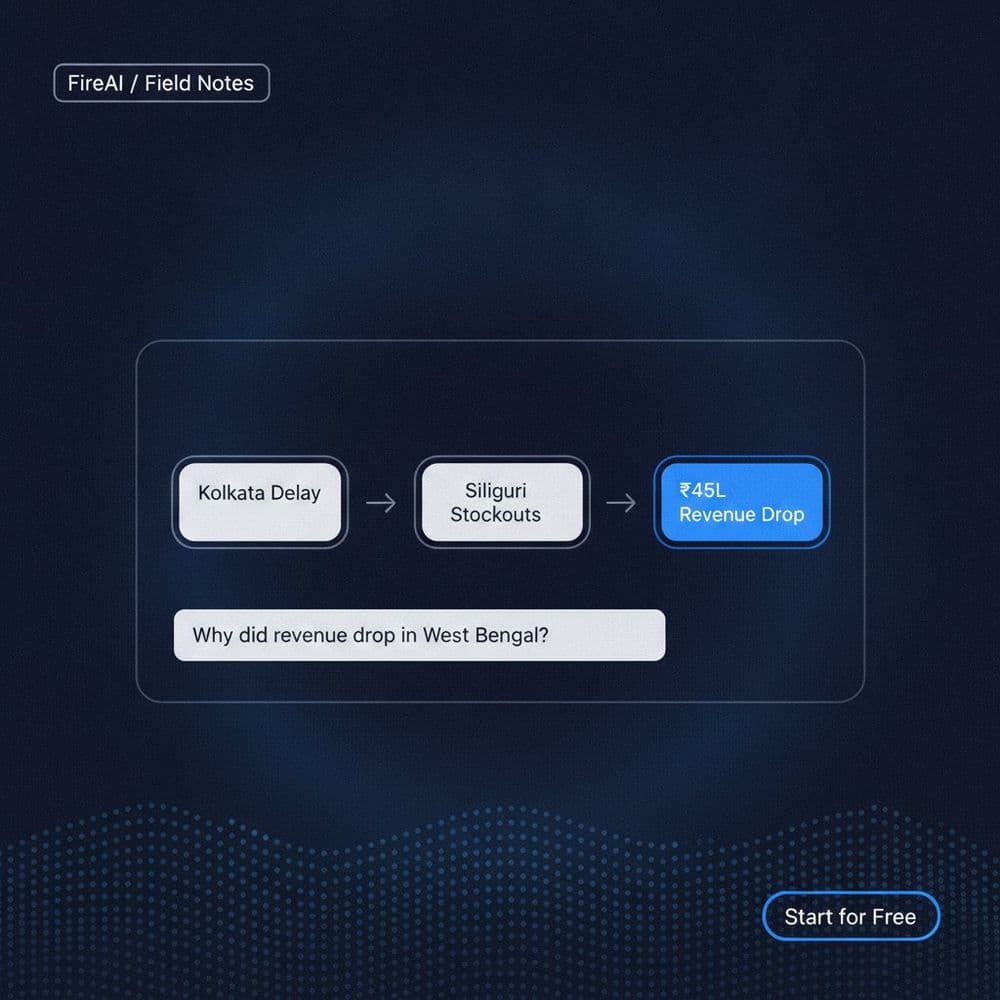
Learn how a conversational chat interface and causal chain analysis help you run investigative analysis on business KPIs without a data team.

What Is Business Intelligence? A Plain-English Guide for Indian SMBs
From spreadsheets to conversational BI, this is my personal journey as an EIR using AI-augmented analytics to run smarter. A plain-English guide for Indian SMBs.

Key Trends Shaping the Future of AI-Powered Business Intelligence
Discover how AI-enabled analytics like Fire AI are transforming business intelligence with real-time dashboards, anomaly detection, and decision intelligence.