

Quick answer
To track marketplace commissions accurately, export settlement and order-level reports, map each fee type to your agreed rate card, and compare expected charges to what the platform deducted per order. Flag mismatches and recurring overcharges before they compound. FireAI ingests Amazon, Flipkart, and Shopify data to automate this reconciliation and surface anomalies on dashboards.
Accurate marketplace commission tracking means every rupee deducted on Amazon, Flipkart, or other seller hubs is explainable, comparable to your contract, and auditable at order level. Indian D2C brands often discover silent margin leakage only after quarters of incorrect referral fees, closing fees, or ad-attributed deductions. This guide walks through a practical workflow from raw exports to automated monitoring. For deeper context on detection patterns. For compliance-oriented reporting workflows, see D2C e-commerce compliance use cases.
Step 1: Export order and settlement data
Pull both transactional detail and money that actually hit your bank.
- Order-level exports from Seller Central, Flipkart Seller Hub, or equivalent: include order ID, SKU, selling price, discounts, taxes, and shipment dates.
- Settlement / payment reports for the same periods: payout date, gross proceeds, and every deduction line (referral, closing, shipping, storage, ads, Liquidation, etc.).
- Align currencies and time zones if you sell across marketplaces; use settlement cycle boundaries (often weekly) as your reconciliation grain.
- Version your exports with download timestamps so you can prove what the portal showed when finance raised a dispute.
Without settlement files, you only know list prices, not what the marketplace kept.
Step 2: Map the commission and fee structure
Build a rule set that turns category, programme, and fulfilment type into an expected fee per order line.
- Document your active rate cards: referral % by category, closing fees, FBA or Flipkart fulfilment fees, pick-and-pack, storage, and return processing.
- Tag each SKU with the category and programme that drive those rates (for example, standard versus premium, or Easy Ship versus self-ship).
- Model tax handling the way the marketplace presents it (taxes on fees, TCS/TDS where applicable) so expected net matches settlement layout.
- Separate marketing spend clearly: sponsored ads and deals often sit in different ledgers from organic referral fees.
This mapping layer is what turns a pile of CSV rows into an expected commission per order.
Step 3: Reconcile expected versus actual and flag anomalies
Compare your calculated fees to settlement deductions and investigate the delta.
- Join orders to settlements on marketplace order ID and settlement window.
- Compute expected referral and fixed fees from your rule set and compare to each deduction bucket in the settlement file.
- Flag systematic patterns: small per-order overages that repeat across thousands of orders, wrong category rates, or duplicate fee lines.
- Triage by materiality (absolute rupees and % of net proceeds) so finance focuses on disputes worth raising with marketplace support.
- Keep an exception log with screenshots or ticket IDs for audit and for unit economics updates when fee errors distort channel profitability.
Common issues include outdated category mappings after catalogue changes, promotional rate cards not applied, and weight or dimension surcharges on shipping.
Step 4: Automate continuous tracking with FireAI
Manual monthly reconciliation cannot keep pace with high order volume and frequent rate changes.
FireAI connects to Shopify (for your own-site P&L) and marketplace seller data so order, fee, and settlement tables stay in one analytics layer. You can:
- Refresh expected-versus-actual commission views by SKU, category, and marketplace without rebuilding spreadsheets.
- Ask questions in plain language (for example, which ASINs had the largest referral variance last settlement cycle).
- Layer alerts when fee ratios move outside bands you define, so merchandising and finance react before the next payout.
Automation does not replace understanding your rate card; it makes enforcement continuous and visible to the whole team.
Who should own this process?
- Finance or commercial ops owns the rate card master and sign-off on disputes.
- E-commerce ops owns SKU categorisation and fulfilment settings that drive fees.
- Analytics owns dashboards, joins, and exception reporting.
Together, they keep D2C marketplace performance honest at the contribution-margin line, not just at GMV.
Ready to act on your data?
See how teams use FireAI to ask in plain language and get analytics they can trust.
Explore FireAI workflows
Go from this topic into product features and solution paths that match what you read here.
Topic hub
Industry Analytics In India
Comparison pages and implementation guidance for industry-specific BI, dashboards, and analytics use cases in India.
Explore hubFrequently asked questions
What reports do I need from Amazon and Flipkart to track commissions?
You need order detail reports (or order-level exports) and settlement or payment reports that list every deduction line by order. Matching order IDs across both lets you verify that referral, closing, shipping, storage, and ad charges align with your contract and category.
Why do marketplace commissions look wrong even when the rate card is correct?
Common causes include SKU category mismatches, weight or dimension-based fee surcharges, promotional rates not applied, returns and refunds processed in a later settlement, and bundled or replacement orders that split fees oddly. Always reconcile at settlement grain, not only at order export time.
How often should D2C brands reconcile marketplace fees?
High-volume brands should reconcile every settlement cycle (often weekly) because small per-order errors compound quickly. Lower volume may use monthly cycles but should still automate extracts so nothing is missed when rates change.
How does FireAI help with marketplace commission tracking?
FireAI brings marketplace and D2C order data into one place, applies your fee logic or compares to historical patterns, and surfaces variances on dashboards with natural-language queries. That reduces manual CSV work and helps teams catch overcharges before they affect channel profitability.
Related in this topic
D2C Analytics India: What Top Brands Actually Track
D2C brand analytics in India covers customer acquisition, retention cohorts, unit economics, and marketing attribution. Learn key dashboards for Indian D2C businesses.
What is Unit Economics? CAC, LTV & Payback Period
Unit economics measures the direct revenue and cost associated with a single customer or order. Learn how D2C and e-commerce brands calculate CAC, LTV, payback period, and contribution margin — and how FireAI pulls these metrics automatically from Shopify and marketplace data.
E-commerce Analytics in India: Marketplace, CAC & LTV
E-commerce analytics in India covers marketplace seller performance, customer acquisition cost, LTV, and unit economics. Learn key metrics for Indian e-commerce businesses.
Best BI Tools for E-Commerce Analytics in India (2026)
Compare the best business intelligence tools for Indian e-commerce businesses. Review features for order analytics, seller performance, returns, inventory, and customer behaviour across FireAI, Power BI, Zoho Analytics, and others.
From the blog
Marketplace Commission Overcharge Detection: A D2C Playbook
Indian D2C brands lose 2-3% of GMV to marketplace fee errors. Here's how to detect Amazon, Flipkart and quick-commerce overcharges in time to file claims.
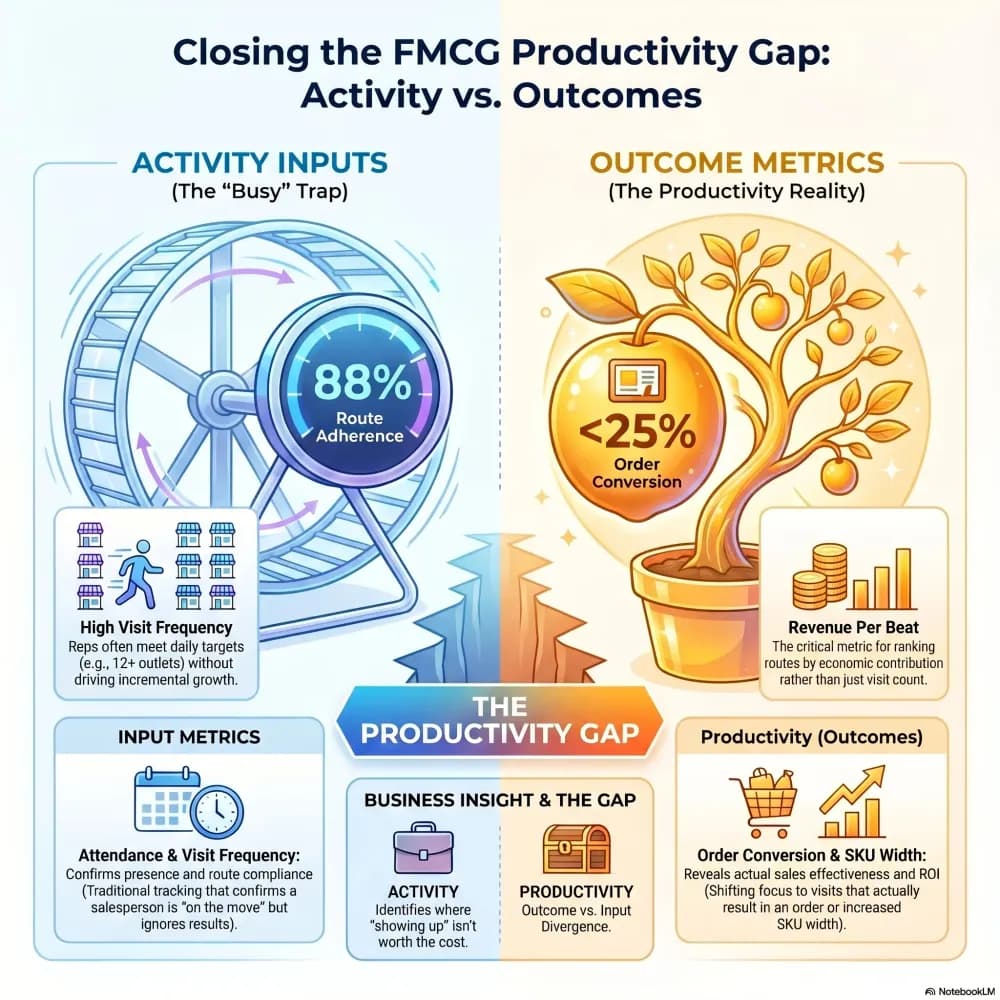
Beat Productivity Analysis: How Top FMCG Brands Optimize Field Force ROI
Your sales team is covering 300 beats a month. But how many of those beats are actually driving orders — and how many are just burning fuel? Here's how the sharpest FMCG brands are figuring that out.

Top 7 Marketing Metrics to Track in 2026 and How AI Simplifies Them
In 2026, track these 7 critical marketing metrics — CLV, CAC, ROAS, Conversion Rate, Engagement, Brand Awareness, and ROI — to prove real business impact instead of vanity stats.