
Step 5 · Build
Create a workspace
Create a workspace in FireAI Dashboards to keep related widgets and dashboards together in one folder your whole team can find.
Updated September 30, 2026
A workspace is a folder that keeps your widgets and dashboards together.
Add a workspace
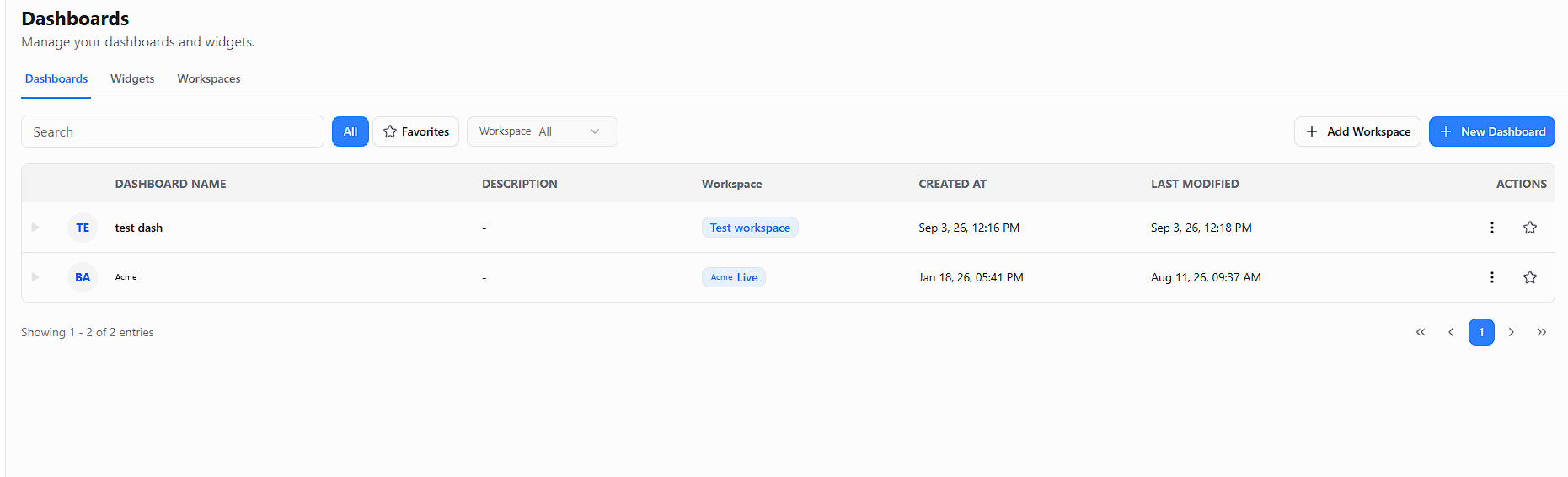
- Select Dashboards in the left menu. You see three tabs along the top: Dashboards, Widgets and Workspaces.
- Select Add Workspace (top right).
- Type a clear name, for example "Sales", and save.
You should now see
Your new workspace on the Workspaces tab.
Name it for the team
Pick names your whole team will recognise. The list shows names only.